Reviewed 10 August 2026
What the XX7 App Features Mean in Daily Use
A feature list becomes useful only when it helps you find a control or avoid a mistake. This guide connects each area with an ordinary mobile task.
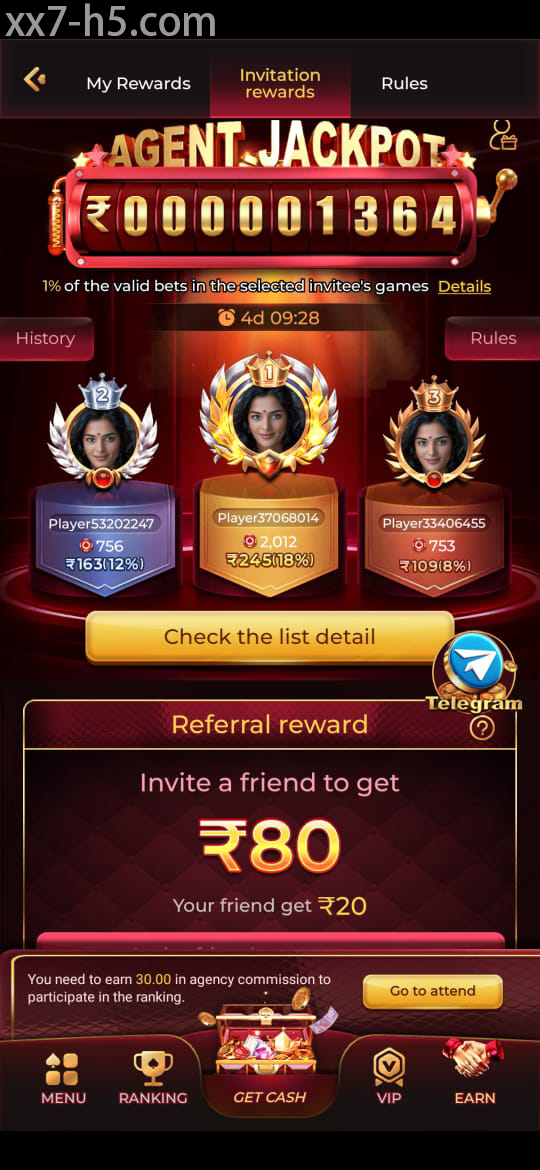
Dashboard
Use permanent labels as landmarks
Banners change often; account, games, wallet and support labels are more dependable. Find those routes first. If the app returns to an unexpected page, the permanent navigation helps you work out where the session has moved.
Do not tap through a promotional panel simply because it occupies most of the display.
Account area
Read profile and wallet labels literally
Check the registered identifier and any verification notice in the profile. In the wallet, distinguish cash, promotional and pending figures. Similar colours do not mean the values share the same conditions.
Use the normal correction route for an error and never give another person an OTP to edit the account.
Game library
Filters should narrow the screen, not confuse it
Choose one category and one filter, then return to the lobby before comparing another. Read each game’s rules rather than treating similar artwork as proof of similar behaviour. On a small phone, wait for the first tap before pressing again.
Use search for a known title; use categories when you are still comparing formats.
Performance
Keep enough phone resources for busy screens
Close background video and downloads, leave storage for cache and stay on one connection while a game loads. When only one section fails, record its name and time instead of reinstalling the whole app immediately.
A specific report gives support a useful starting point and preserves settings that were working.
Screen orientation
Treat the Dashboard as a Set of Landmarks
Use this screen as a map for permanent controls, then read the labels shown in the app version on your phone.
Continue with the right topic
Put each feature in context
Take the full dashboard tour
Follow the permanent labels instead of relying on changing banners.
Find the account controls
Know where recovery and security options sit before they are needed.
See how game screens differ
For category, pace or session-limit questions raised by understanding XX7 app features.
Direct answers
Questions about understanding XX7 app features
Which XX7 app areas should I locate first?
Find the account, wallet, game library, support and responsible-play controls before starting a session.
Why can two balances show different values?
They may represent cash, promotional credit or a pending amount with separate conditions.
What should I do when one app section will not load?
Note the section and time, restart once and check the connection before clearing data or reinstalling.