Reviewed 10 August 2026
Set Up an XX7 Account without Rushing the Details
A clean registration takes only a few minutes when the phone number, password and verification steps are handled carefully. This page explains what deserves a second look.
Preparation
Have the correct details ready before signup
Open the registration form only when you can receive a message on the number you plan to use. Check country code, spelling and required fields before submitting. A small typo can later block recovery or make verification needlessly difficult.
Choose a password that is unique to this account. A memorable phrase with mixed characters is safer than a common name or birthday. Do not reuse the password from your email, because email access is often part of account recovery.
- Use a mobile number you control.
- Read optional and required fields separately.
- Save the page address before entering details.
- Do not let another person create the account for you.
Verification
An OTP confirms the phone, not the helper
After submission, wait for the verification message and enter the newest code in the same form. If delivery is slow, confirm the signal and number before requesting another. Multiple codes arriving out of order are a common reason a valid-looking OTP is rejected.
Keep the code on your screen. Support staff do not need it, and a person offering to “finish registration” should never ask for it. The safe place for an OTP is the form you opened, not a call, social message or shared screenshot.
First sign-in
Review the profile before exploring games
Once the account opens, confirm the displayed mobile number and profile details. Find the security, support and responsible-play controls while the screen is still unfamiliar. Knowing those routes in advance is useful if an access problem appears later.
Do not make a transaction merely to test the account. Read every wallet label and any verification notice first. If something is wrong, correct it through the normal profile or support path rather than opening a duplicate account.
Good habits
Keep the new account separate and private
Use a password manager or another private method to store the login. Sign out on a borrowed handset and avoid saving the password in a shared browser. These ordinary habits prevent more trouble than frequent password changes made without a plan.
If local rules or age limits do not allow an account, do not continue. Registration is not a reason to ignore responsible-play boundaries; decide time and spending limits before the first session, not after it.
Screen orientation
Check Signup and Profile Screens in Order
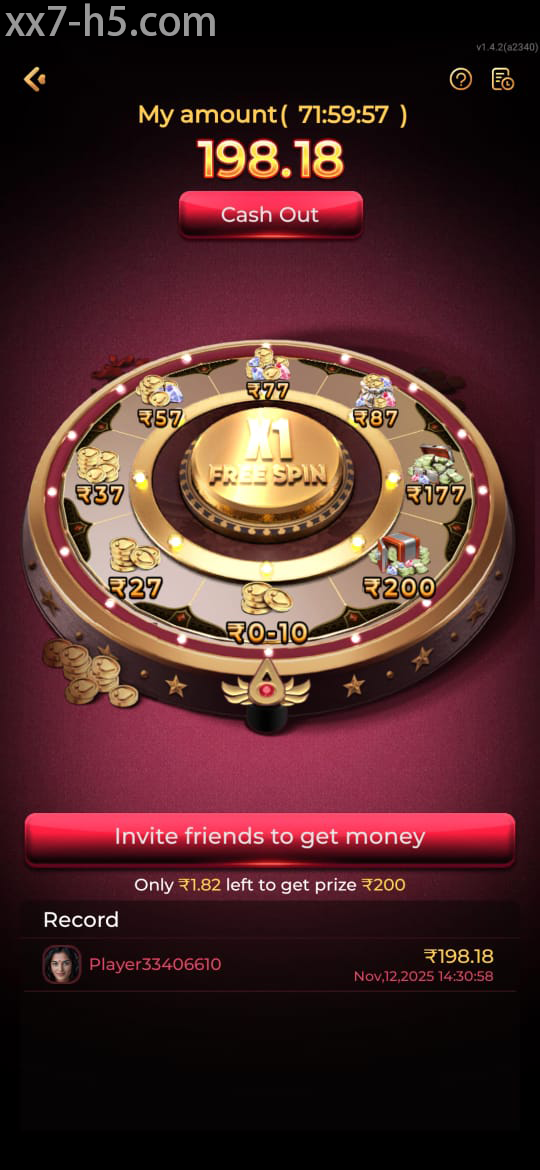
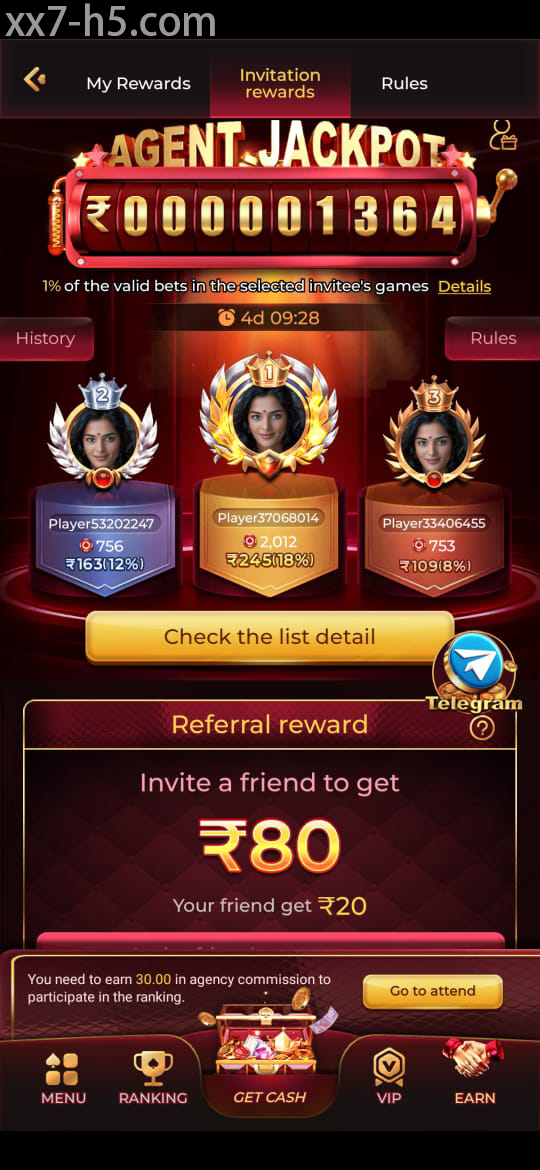
These screens are orientation aids for signup and the first account check. Review the live form because fields can change.

Continue with the right topic
What to check after creating the account
Prepare for the next sign-in
For password, OTP or recovery trouble encountered while registering a new XX7 account.
Install from a known source
For file, permission or compatibility questions connected with registering a new XX7 account.
Know which details stay private
Review what this guide needs—and which account secrets it will never request.
Direct answers
Questions about registering a new XX7 account
Can someone else register an XX7 account for me?
It is safer to complete the form yourself so the mobile number, password and recovery details remain under your control.
What if two verification codes arrive?
Use the newest code and allow enough time between requests, because an earlier code may already be invalid.
What should I check after the first login?
Review the registered details, security routes, support link and any account notices before using other sections.