Reviewed 10 August 2026
Understand XX7 Game Categories before Starting a Session
The best choice is not the loudest tile. Choose a game whose rules and controls you can explain before starting.
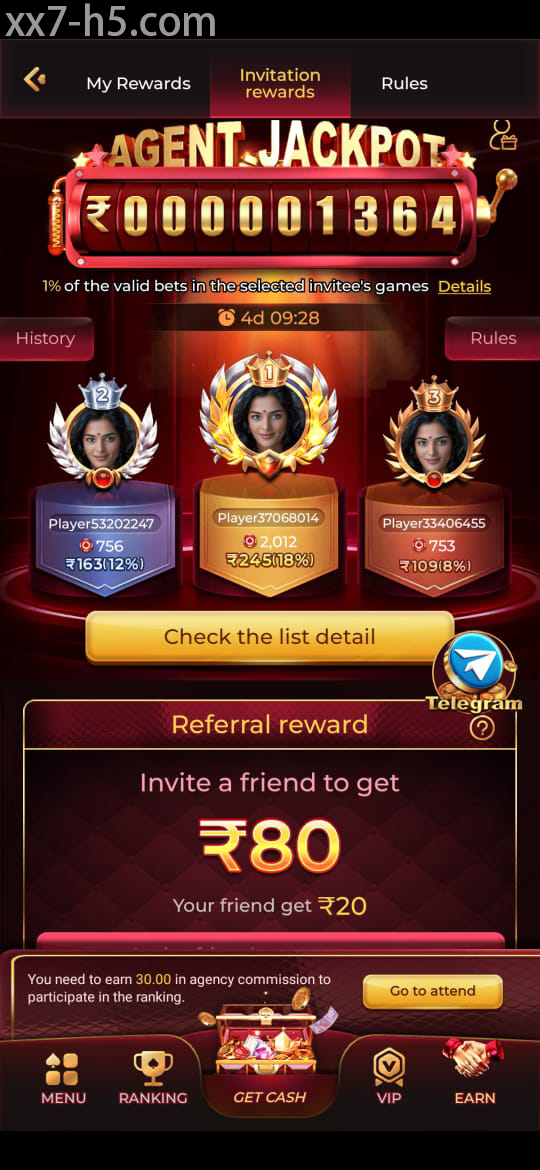
Choosing a category
Start with a format you already understand
Live tables, card-style games, slots, fishing titles and sports sections do not use the same rhythm. Read the category description and open the rules before comparing artwork. Familiar mechanics make it easier to notice when a control or result is unclear.
A winning screenshot from another player says nothing about the rules or your own limit. Treat recommendations as a reason to read, not a signal to join immediately. If you cannot describe how a round begins and ends, step back to the information screen.
Rule screen
Look for costs, outcomes and exit controls
Useful rules explain the unit of play, possible outcomes and any special feature that changes a round. Check where the back, close and history controls sit as well. A game is easier to leave calmly when you know those controls before the screen becomes busy.
Do not assume two similar-looking games behave alike. Labels, pace and feature conditions can differ even within one category. Read again after an update if buttons or values have moved.
- Confirm the value shown before pressing a play control.
- Know where history or recent activity can be reviewed.
- Avoid automatic features until their stop control is clear.
- Leave any game whose rules remain confusing.
Phone controls
Give small-screen taps room to register
Notifications, screen protectors, a wet display and network delay can all change how a tap feels. Use the phone on a stable surface and close overlays that cover important controls. When a button pauses, wait instead of pressing the same spot several times.
Landscape mode may make some tables easier to read, while portrait mode suits other categories. Choose the orientation that keeps values visible. If text overlaps, check the system display size rather than guessing at a partly hidden label.
Session boundary
Decide when to stop before the first round
Set a fixed time and affordable amount before opening a game. Keep that decision separate from results on the screen. Extending a session to chase a loss or qualify for a reward turns a clear limit into a moving target.
Take a break when attention drops, taps become rushed or the session stops feeling recreational. A games guide should make both choosing and leaving easier. Stopping on plan is part of using the controls properly.
Screen orientation
Read the Lobby before Opening a Title
Screenshots distinguish lobby, game and account areas. Read current rules and values before acting.
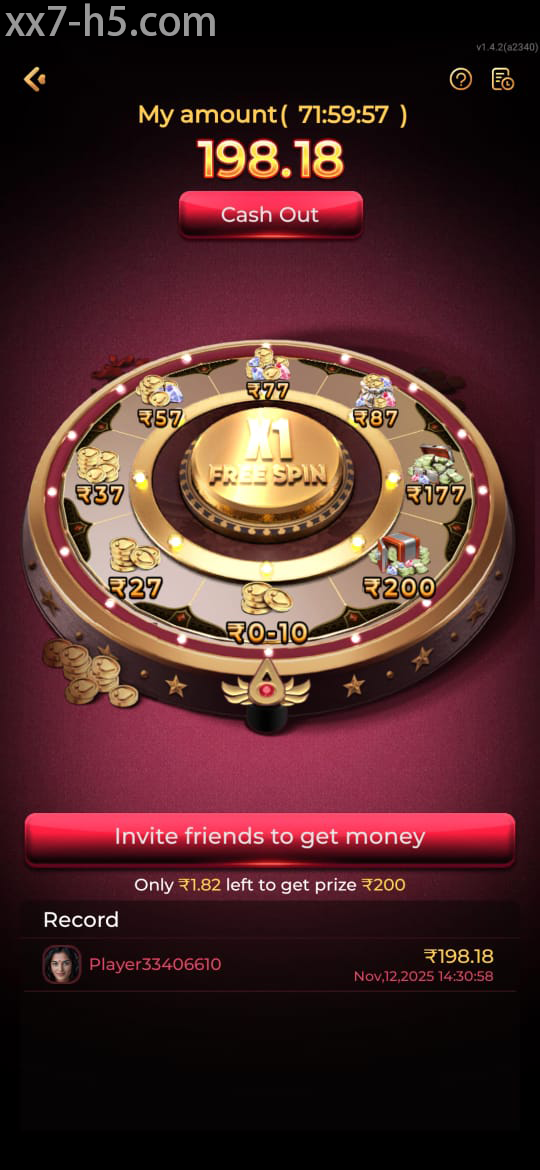

Continue with the right topic
Before choosing a game
Direct answers
Questions about choosing and opening XX7 games
Which XX7 game should a beginner open first?
Choose a format whose rules and controls you can clearly describe, rather than relying on a popular image or recommendation.
Why should I read rules for similar-looking games?
Values, special features and round behaviour can differ even when two tiles use comparable artwork.
How can I reduce accidental taps on mobile?
Close notifications, use a stable connection and wait for each control to respond before touching it again.